
Access the Universal Audit
To sign in to the Universal Audit:
-
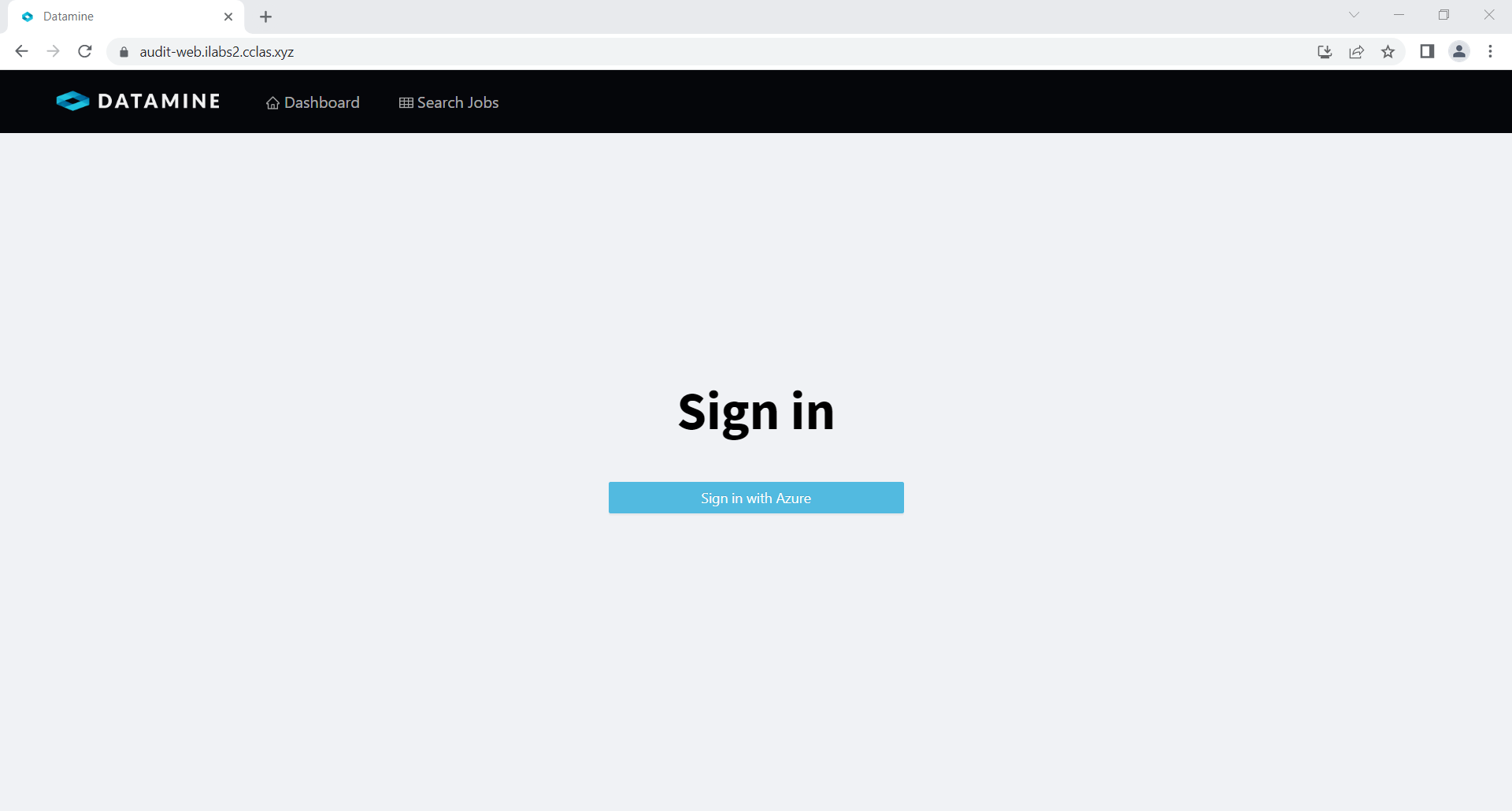
Open a tab in any standard Web browser and enter the Web address of the Universal Audit repository to display the Universal Audit Sign in screen.
-
Click Sign in with Azure and pick your Windows account or enter your Windows account details.
Upon a successful sign in, the Universal Audit application displays. The top-right of the form displays your login account.
To sign out of the Universal Audit:
-
Click v on the Windows account displayed in the top-right of the form.
Select Logout.
-
Select the account you want to sign out of.
