
Task Information: Leveling
The Leveling tab is used to specify how leveling will be completed for this task.
The following table describes the fields on this screen as shown below:
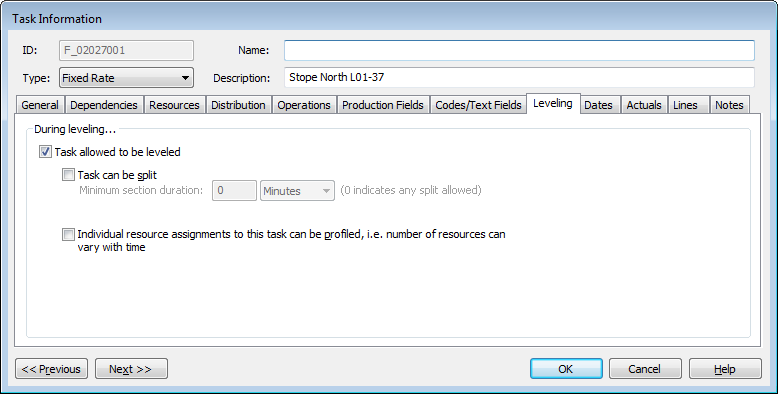
| Field | Description |
| <option> | Select none, one, or a combination of the following options:
|
| Previous | Click to display the Task Information screen of the task before this one - the task listed in the Task Table above the one you are currently displaying. |
| Next | Click to display the Task Information screen of the task after this one - the task listed in the Task Table below the one you are currently displaying. |
| OK | Click to save your changes and close the screen. |
| Cancel | Click to lose the changes you made and close the screen. |
| Help | Click to display the help for this screen. |
