
Printing Charts and Reports
DTS allows you to print the following basic types of charts and reports:
- Task Bar Chart
- Task Bar Chart with Crosstab / histograms below
- Pivot Tables
The system will print in two modes:
-
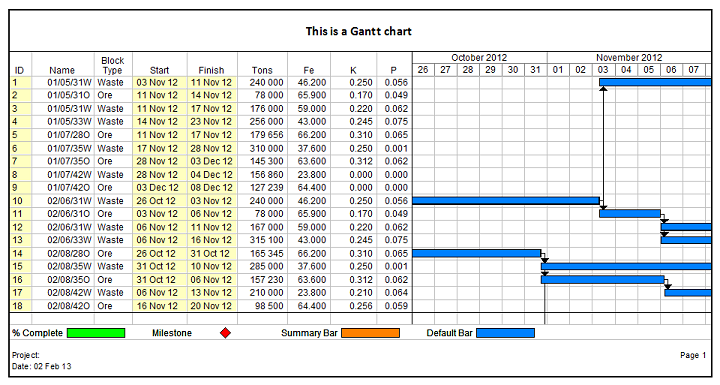
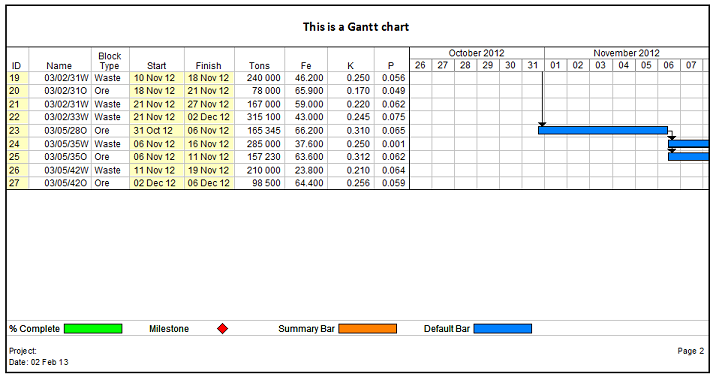
Normal mode - the header and footer is repeated on every page. If table columns are printed on the page, the column headings are printed. If a chart portion is printed, the time scale is printed, for example:
-
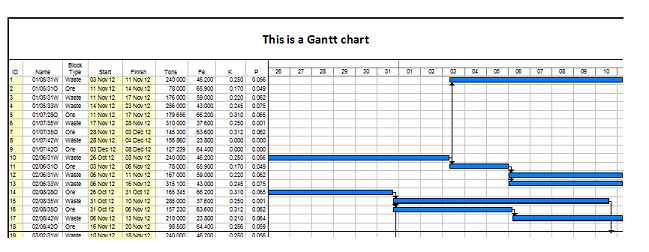
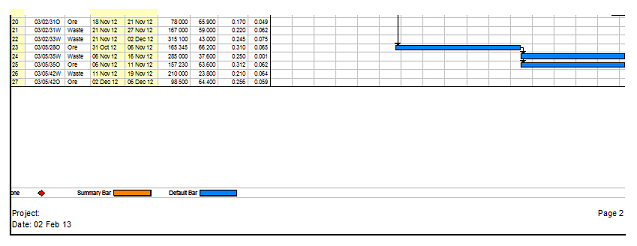
Fit to pages mode - in this case the report is printed over the specified number of pages as if the pages are stitched together, for example:
Reports will print with the same columns, time scales, settings and fonts as specified in the view. Settings specific to printing is specified in the Page Setup.
