
Gemcom Model Import
To access this utility:
-
Data ribbon Load >> External >> Convert Gems Model Text File
Run a scripted utility to convert a Gemcom text format model file to a Datamine file.
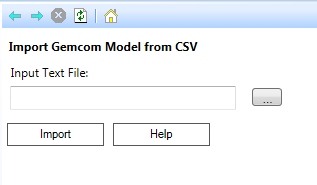
The script accepts an Input Text File (browse to select a file) containing Gemcom CSV (comma-separated-value) model data and creates the corresponding parent cell Datamine model.
During import, this utility will calculate the model origin, rotation angle and cell size from the Gemcom data and create a Datamine model in memory.
Note: This utility can process both rotated and unrotated model data, but will only work for a single rotation about the Z axis. Also, parent cell sizes (XINC, YINC, ZINC) and the rotation angle (ANGLE1) should not include numeric data specified to more than 2 decimal places.
Related topics and activities:
