
Add Timescale Date Range Filter
Activity steps:
- Move the mouse cursor onto the date (from which to filter) in the Timescale above the bar chart.
-
Press the left mouse button down and drag the cursor horizontally to select the period you want to filter, for example:
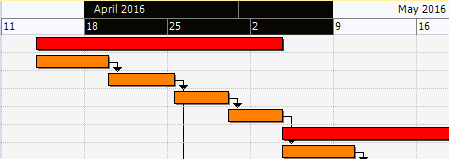
- Release the left mouse button and only the tasks between the selected date range is displayed.
Related topics and activities
