
Create a Dependency
To create a dependency between tasks:
-
Move the mouse cursor onto the bar from which you want to create the dependency. The cursor will change as shown:
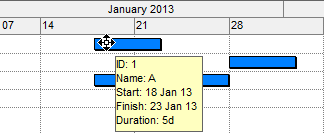
-
Press the left mouse button down and drag the cursor vertically down first. The cursor should change as shown:
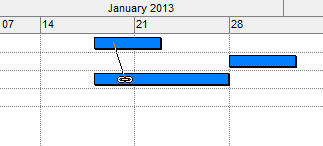
Note: Do not drag sideways as it will change to delay mode.
- Move the cursor onto the bar of another task (while keeping the left button depressed) and release the left mouse button.
- On the Task Dependency screen, specify the Type, Calendar, Lag and Layer. See Task Dependency.
- Click OK to create the dependency and update the Gantt view.
Related topics and activities
